How to Log In
Access your MageAds admin panel to manage your retail media platform.
Login Process
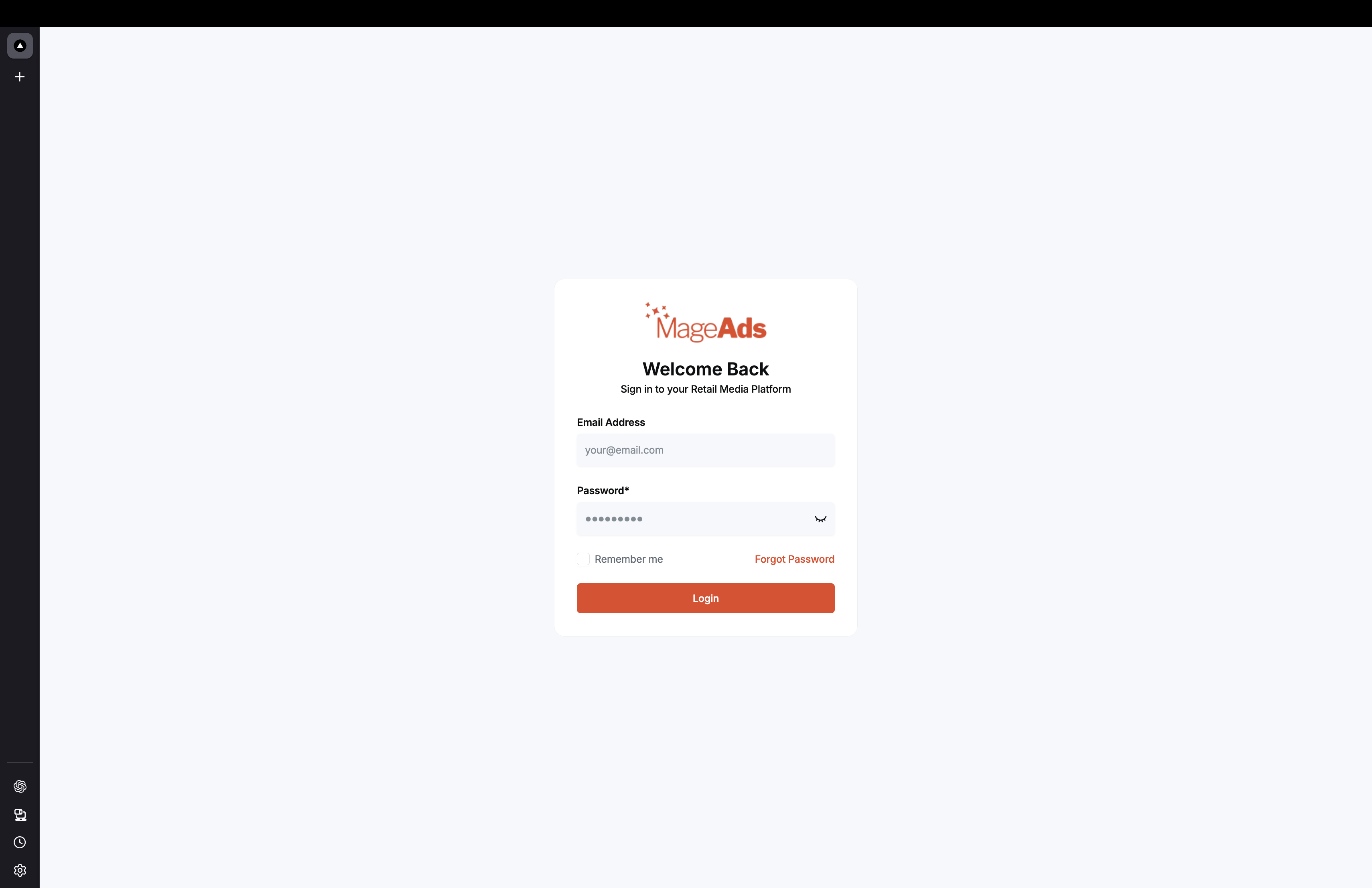
Step 1: Navigate to Admin Panel
Visit your MageAds admin panel URL (provided during onboarding):
https://your-domain.mageads.com
Step 2: Enter Credentials
- Email Address - Enter your registered email
- Password - Enter your password
- Remember me - Optional, check to stay logged in
Step 3: Click Login
Click the orange "Login" button to access your dashboard.
First-Time Login
If this is your first time logging in:
- Check your email for the welcome message
- Click the "Set Password" link
- Create a strong password
- Complete your profile setup
Forgot Password?
Click "Forgot Password" on the login screen:
- Enter your email address
- Check your inbox for the reset link
- Click the link and create a new password
- Log in with your new credentials
Troubleshooting
Cannot receive email?
- Check your spam/junk folder
- Verify the email address is correct
- Contact support: info@mageads.com
Account locked?
- Contact your administrator
- Or email support for assistance
Browser issues?
- Use latest version of Chrome, Firefox, or Safari
- Clear browser cache and cookies
- Try incognito/private mode
Security Best Practices
✅ Use a strong, unique password
✅ Enable two-factor authentication (if available)
✅ Don't share your login credentials
✅ Log out when using shared computers
✅ Keep your password confidential
Next Steps
After logging in, you'll see the Main Dashboard where you can:
- View campaign performance
- Manage advertisers
- Create new campaigns
- Access reports
Need help? Contact support at info@mageads.com